WINDOWS APPLICATION · DUPLICATEJEE
Same files.
Less clutter.
Choose a folder, review the copies found and decide what to keep. DuplicateJee compares file contents and groups files that are exactly the same.
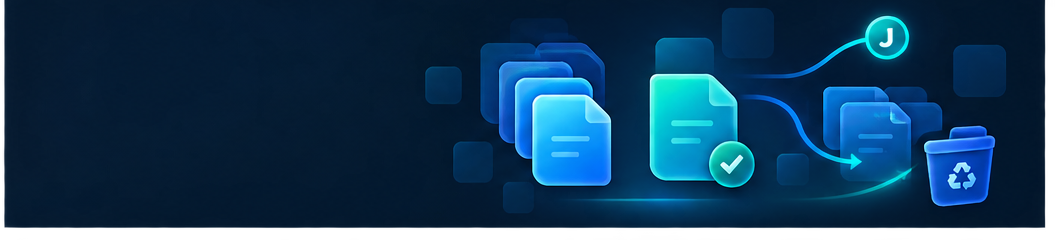
You decide what gets moved
DuplicateJee finds files that are exactly the same based on their contents. Matching names alone are not enough, and the application does not merely look for similar images or documents.
Review paths, sizes and modification dates before moving anything. One file in each group is preselected to be kept, and you can change every selection.
After confirmation, extra copies are moved to the Windows Recycle Bin or a folder you choose. A final report shows successful and failed moves.
FEATURES
DuplicateJee for everyday file cleanup
- Choose a folder and whether to include subfolders
- Identify identical files by content
- Exclude folders and file extensions from the search
- Skip hidden and system files by default
- Review copies and confirm every move yourself
- Move copies to the Recycle Bin or a selected folder
- See locked files and unusually long paths
- Review the outcome in a clear report
Your files stay on your computer
DuplicateJee processes files locally on your Windows computer. Files, file names and scan results are not sent to a server. No user account or internet connection is required.